Digital Solutions for Mainstay
- What I did
- User interviews
- Workshops
- Prototyping
- UX/UI design
- Design system
- Animation
- Illustration
- Team
- Grid branding and the developers at Chronos, together with Mainstay
- Platform
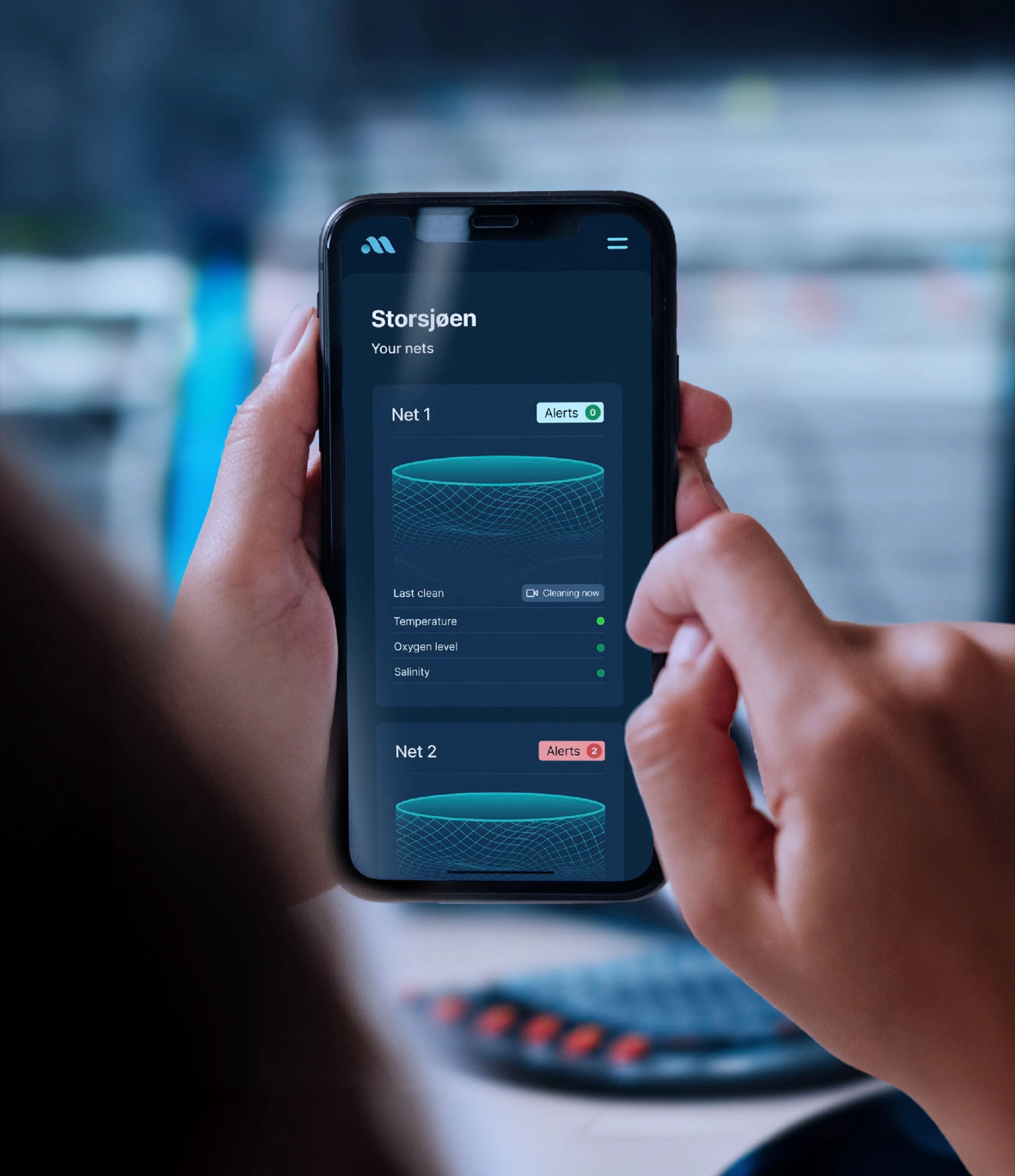
- Tablet, desktop and mobile
Mainstay is a leading provider of subsurface cleaning technology for aquaculture facilities and ships. Their cleaning robots use AI to detect holes and other anomalies in fish farm nets and on ship hulls while they work. Grid branding helped build the brand, name, and initial profile for the company.
Together with Mainstay, I designed the digital platforms behind the product, working closely with end users to shape the flows, define the features, and create an intuitive design system with a dark theme for optimal visibility in maritime environments, all while carrying Mainstay’s brand identity through the digital experience.
The problem
An interface to log the robots’ findings had been started, but without attention to flow or user needs. Two very different groups needed to work in it: the operators running the robots, who had to review each detection, verify it, and send a report, and the administrators, who needed an overview of the equipment in the field.
The users
Operators on board run the robots, and several of them share the same device. Managers on land need an overview of their sites, nets and equipment. I interviewed an Irish customer to understand their needs. They were most interested in the information the robot could collect under water, while several other things we had planned mattered less to them.
What the robot sees under water is what matters most.
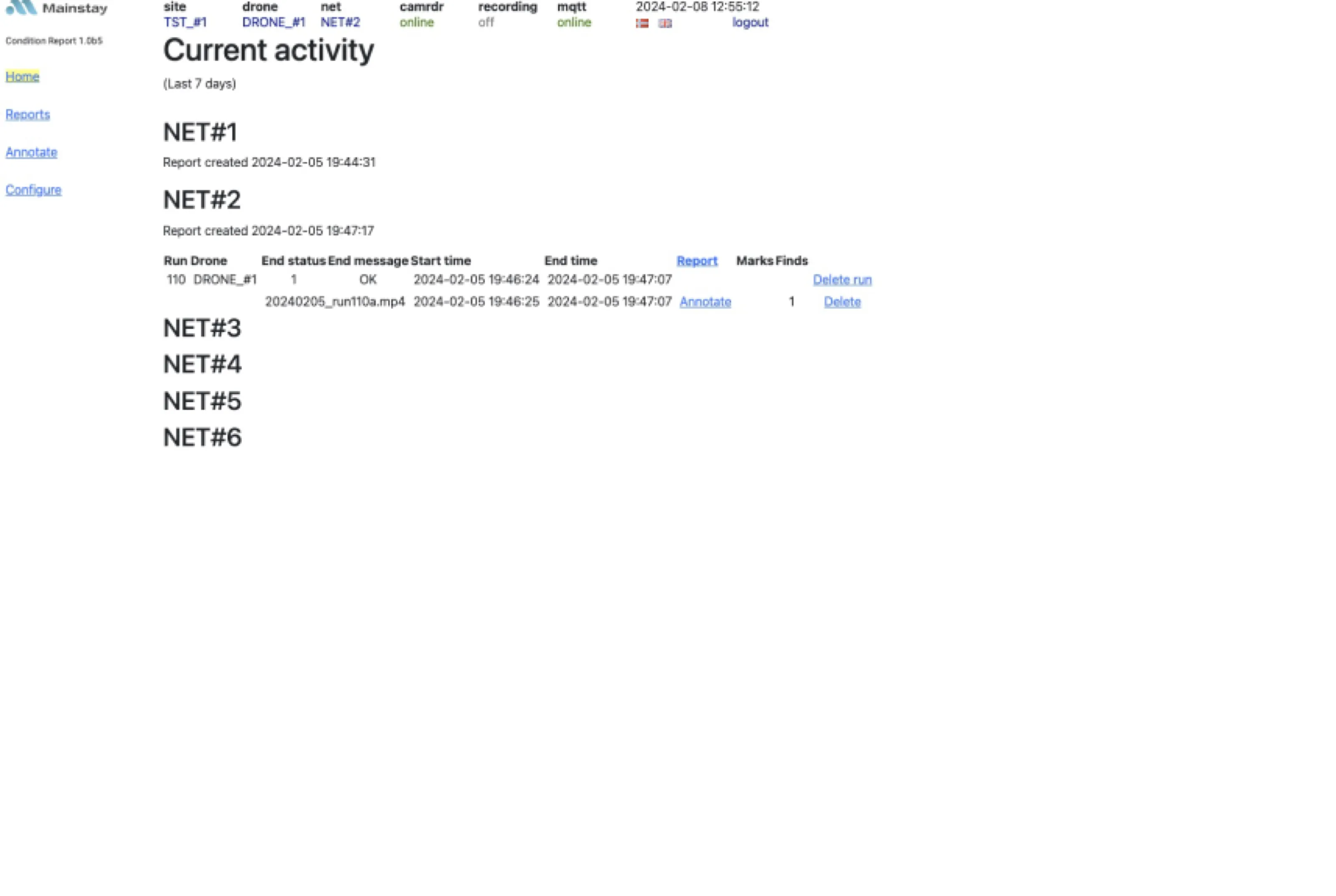
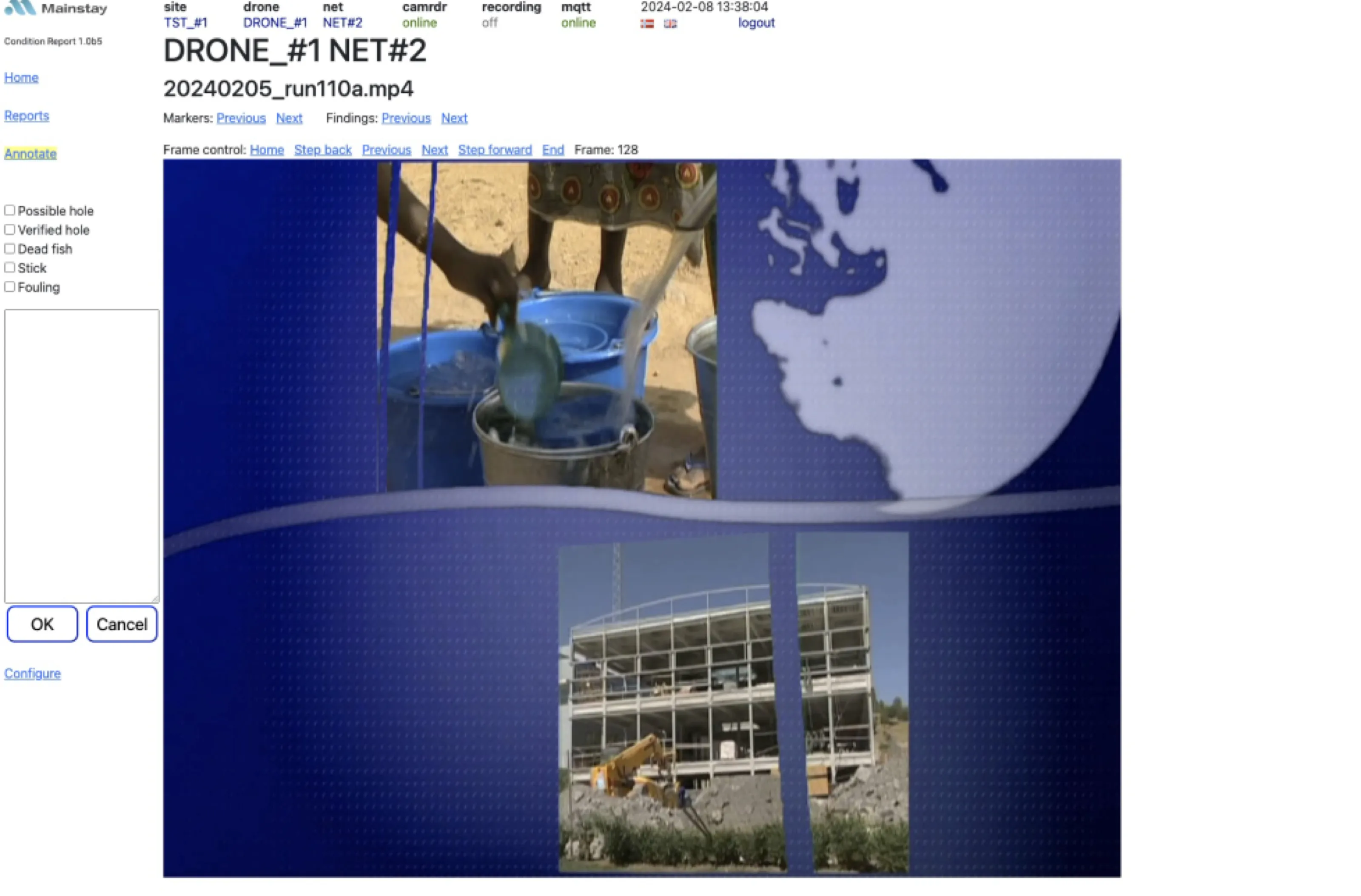
From Design 1.0 to 2.0
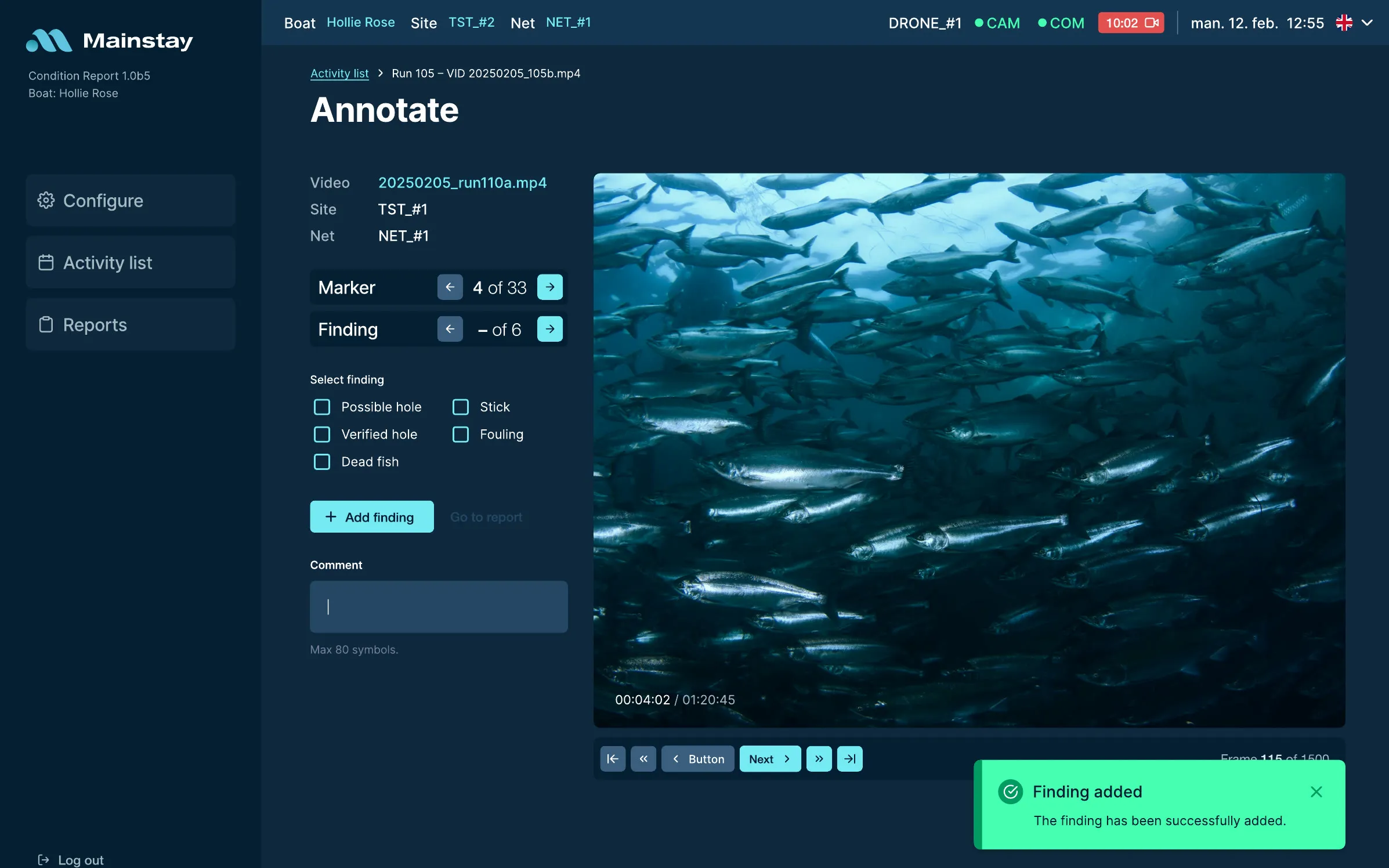
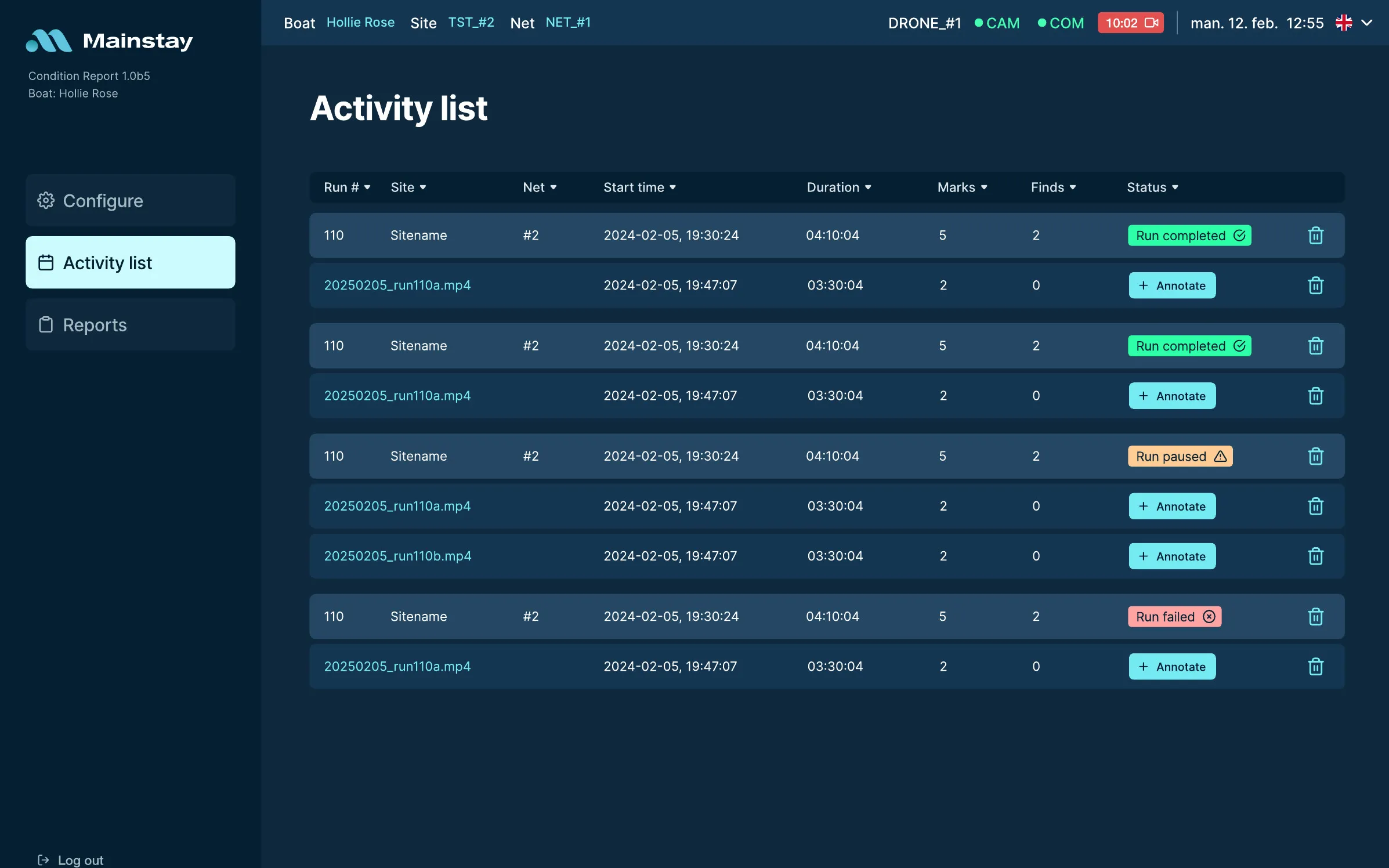
The operator tool went through two main versions. The changes in Design 2.0 came from workshops with the client:
- Simpler navigation with three sections: Configure, Activity list and Reports.
- Annotation starts from a run in the activity list, instead of being a separate tab.
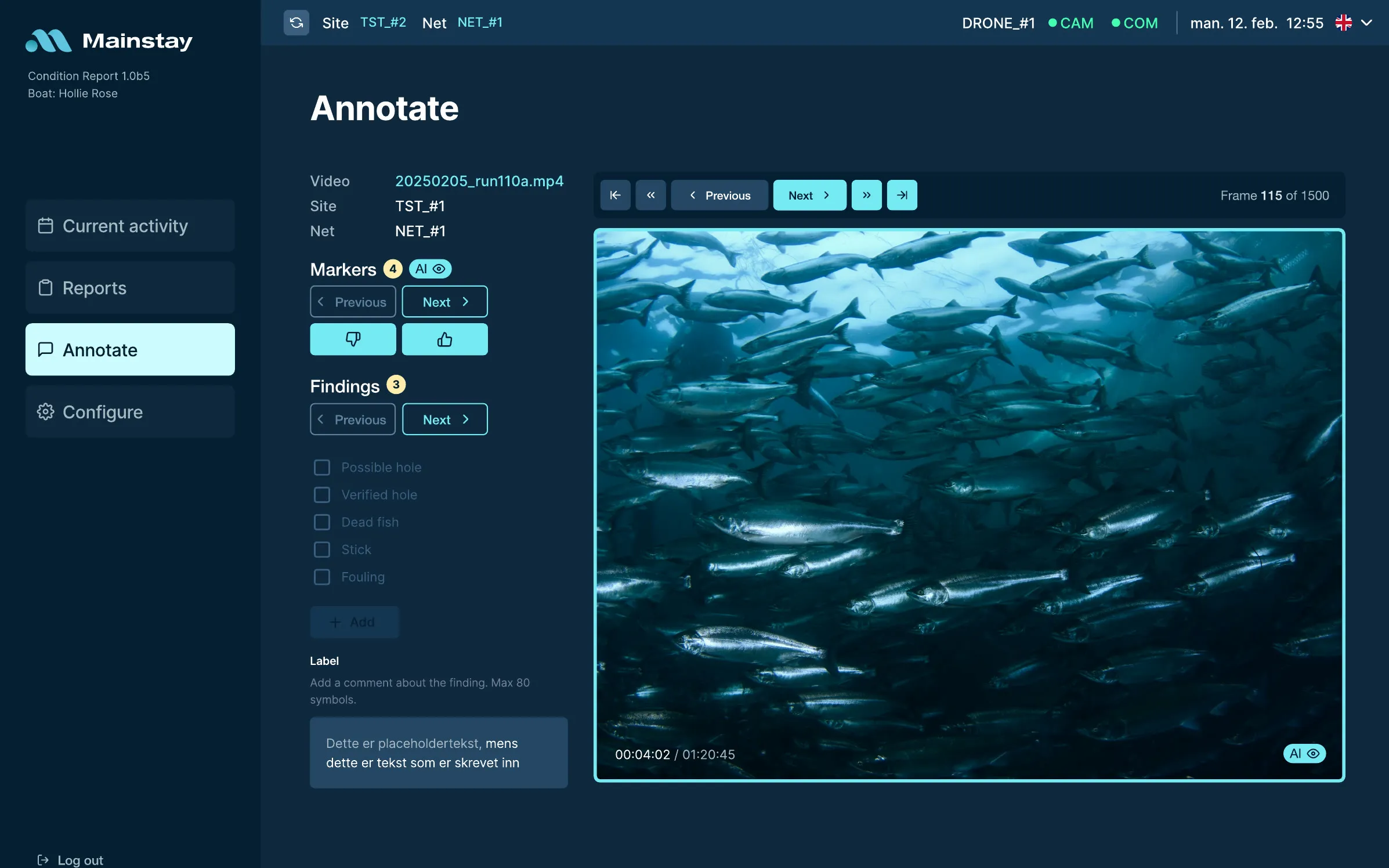
- Instead of thumbs up or down on each AI marker, the operator classifies what was found: possible hole, verified hole, dead fish, stick or fouling.
- Compact counters, a confirmation when a finding is added, and a shortcut to the report.
Key decisions
Step through what the AI found
The operator goes through the AI’s markers one at a time and decides what each one is. A possible hole and a verified hole are two different things, so the report is built from what a person has confirmed.
Made for all weather and shared devices
The dark design comes from the Mainstay brand, but it also works in every kind of weather and light. Several operators share the same device on board, so they log in with a PIN.
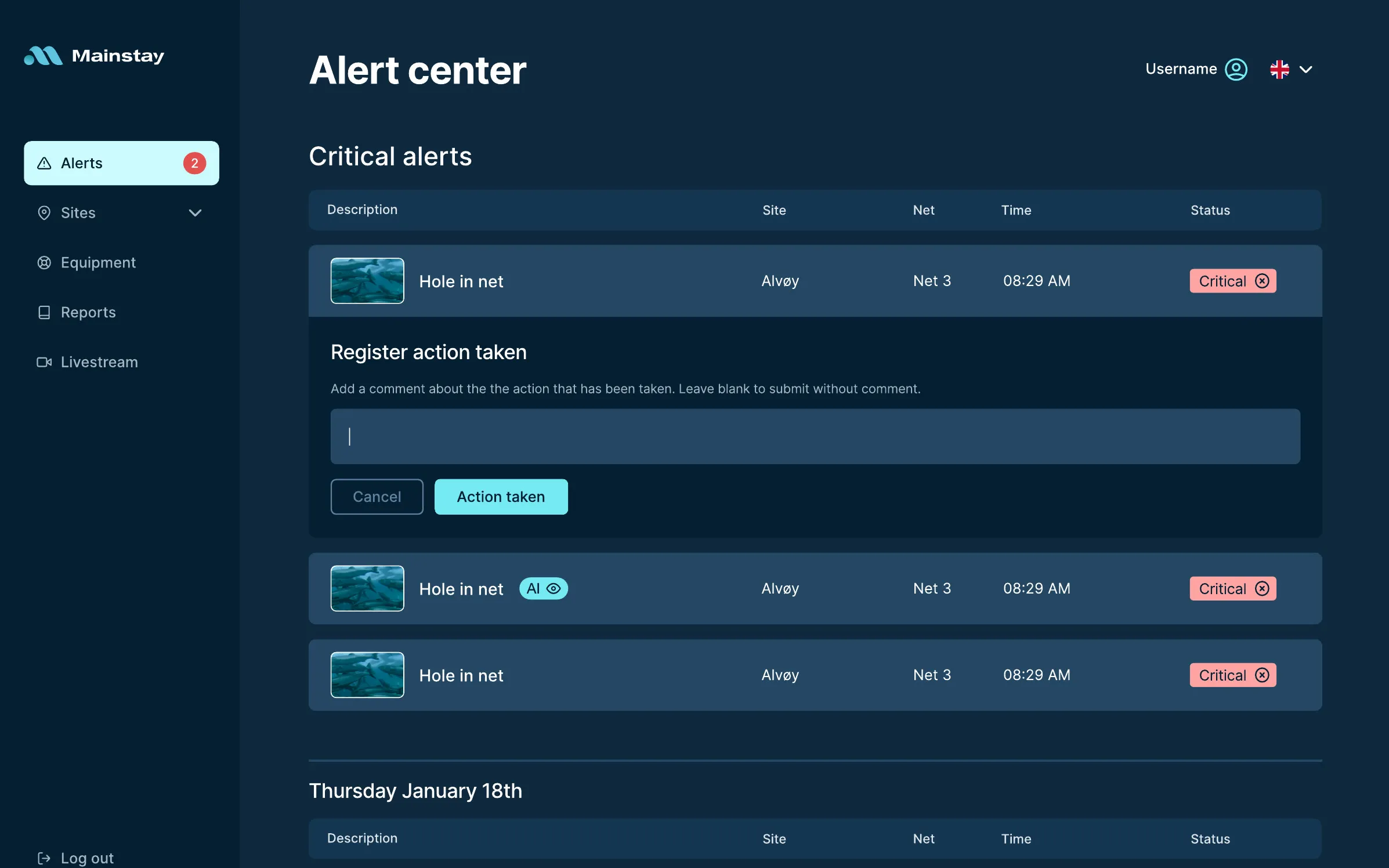
Critical first
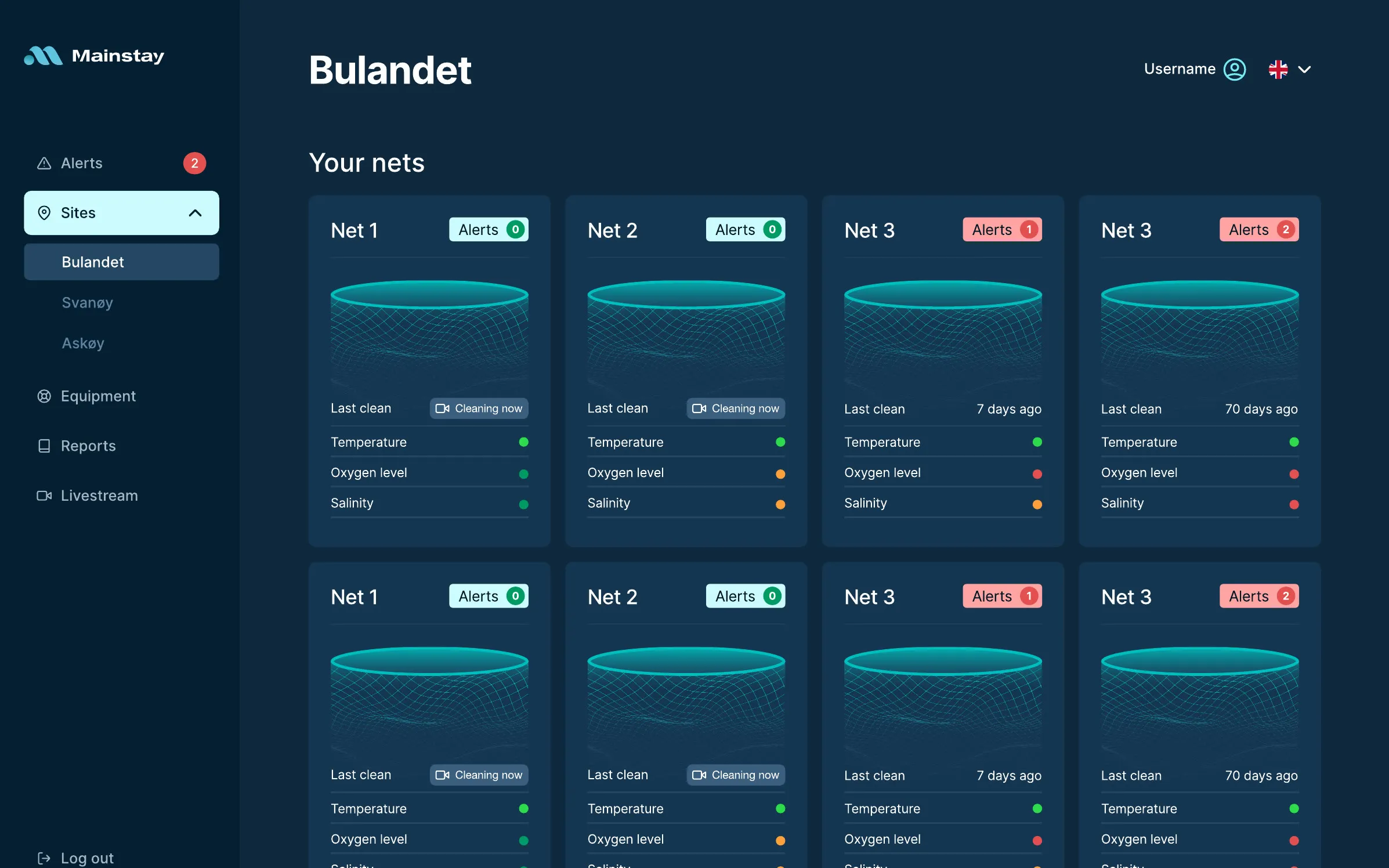
In the customer portal, critical alerts come first. The manager registers what has been done, and the action is saved in a log together with any comment.
The solution
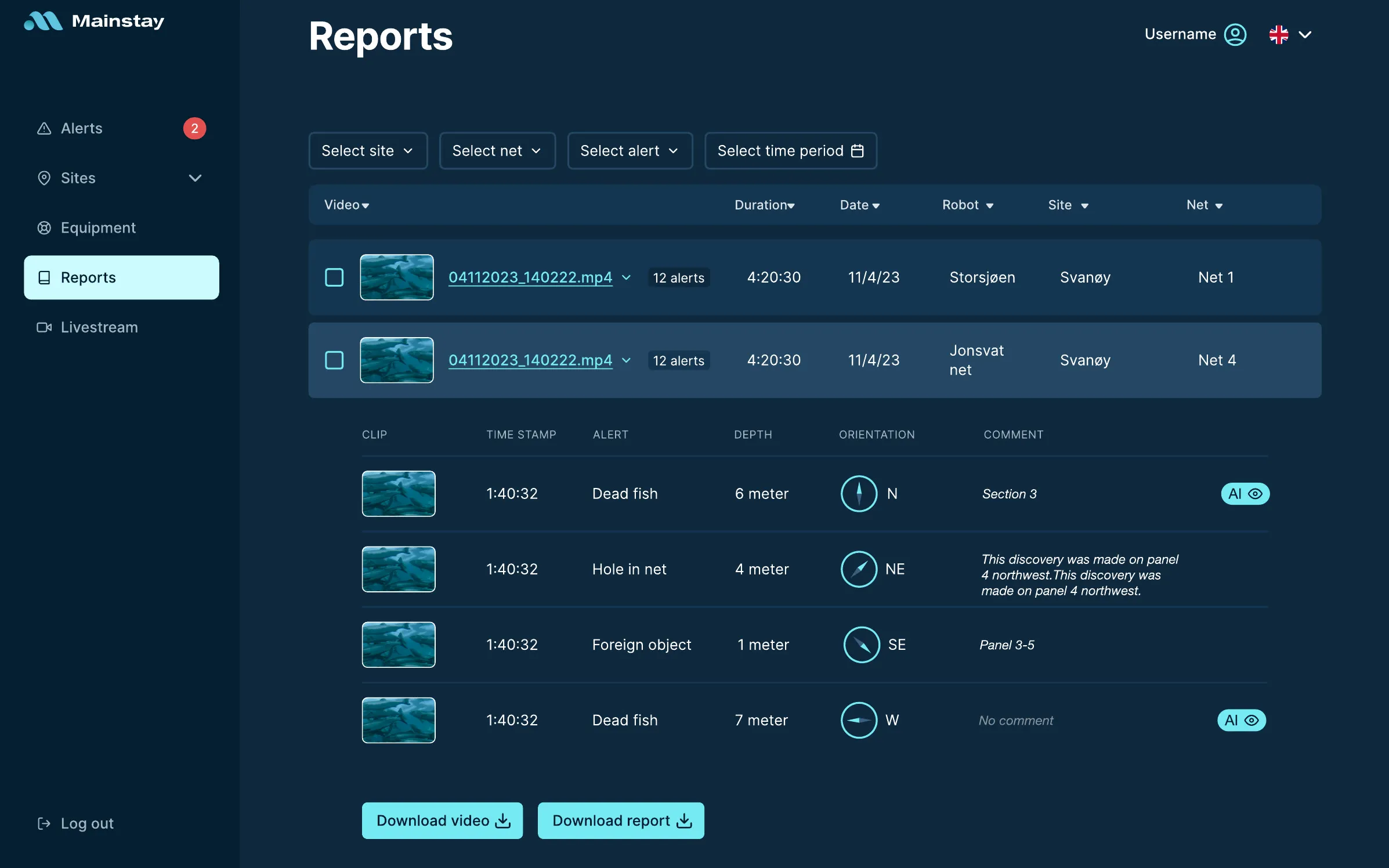
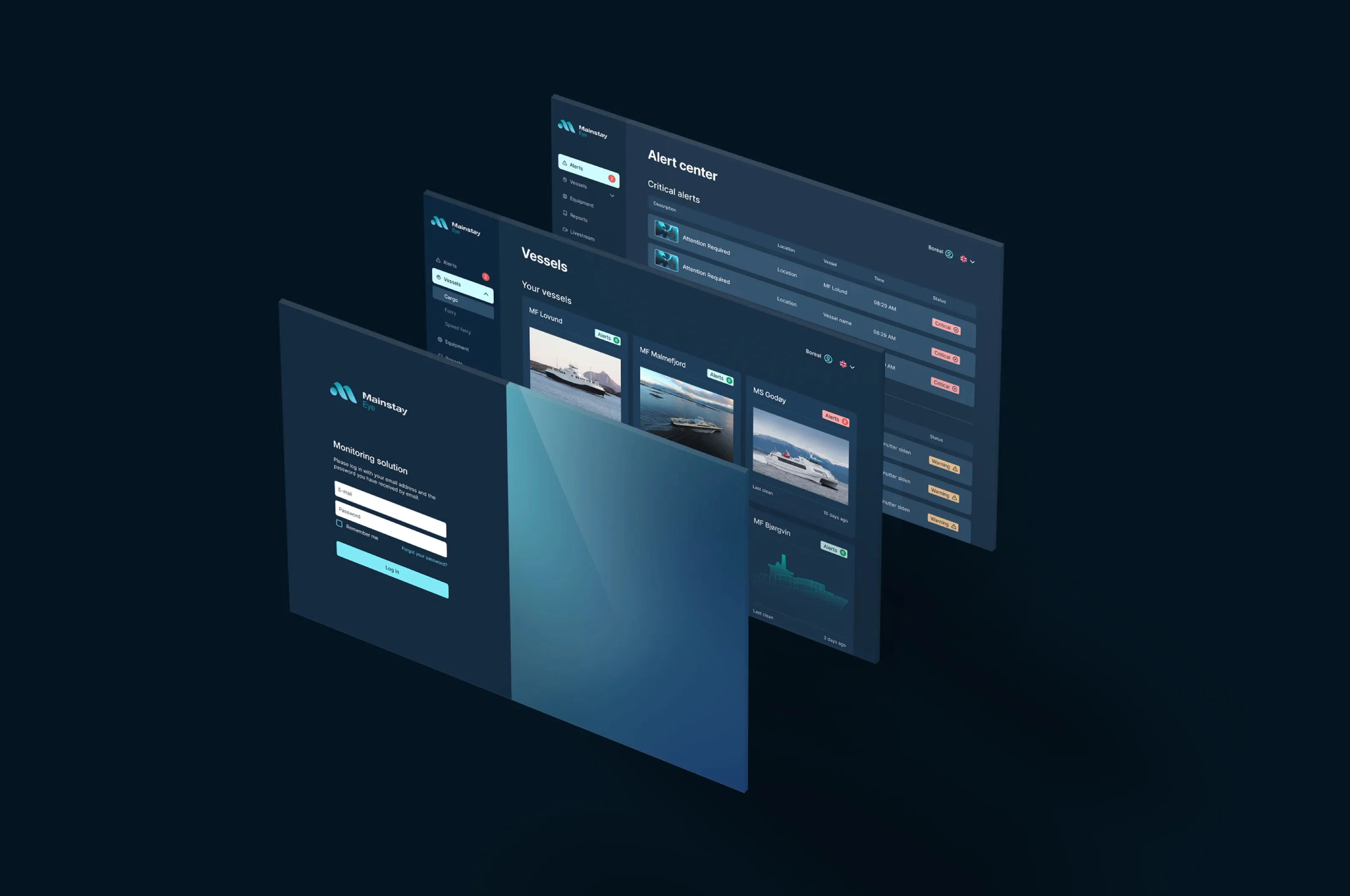
Two platforms, each built for its job. The operator platform takes a finding from detection to a verified, reported result. The admin platform gives an overview of the robots in operation and, for ship owners, whose vessels the robots also clean, an overview of their fleet. The customer portal is available in Norwegian, English and Spanish.
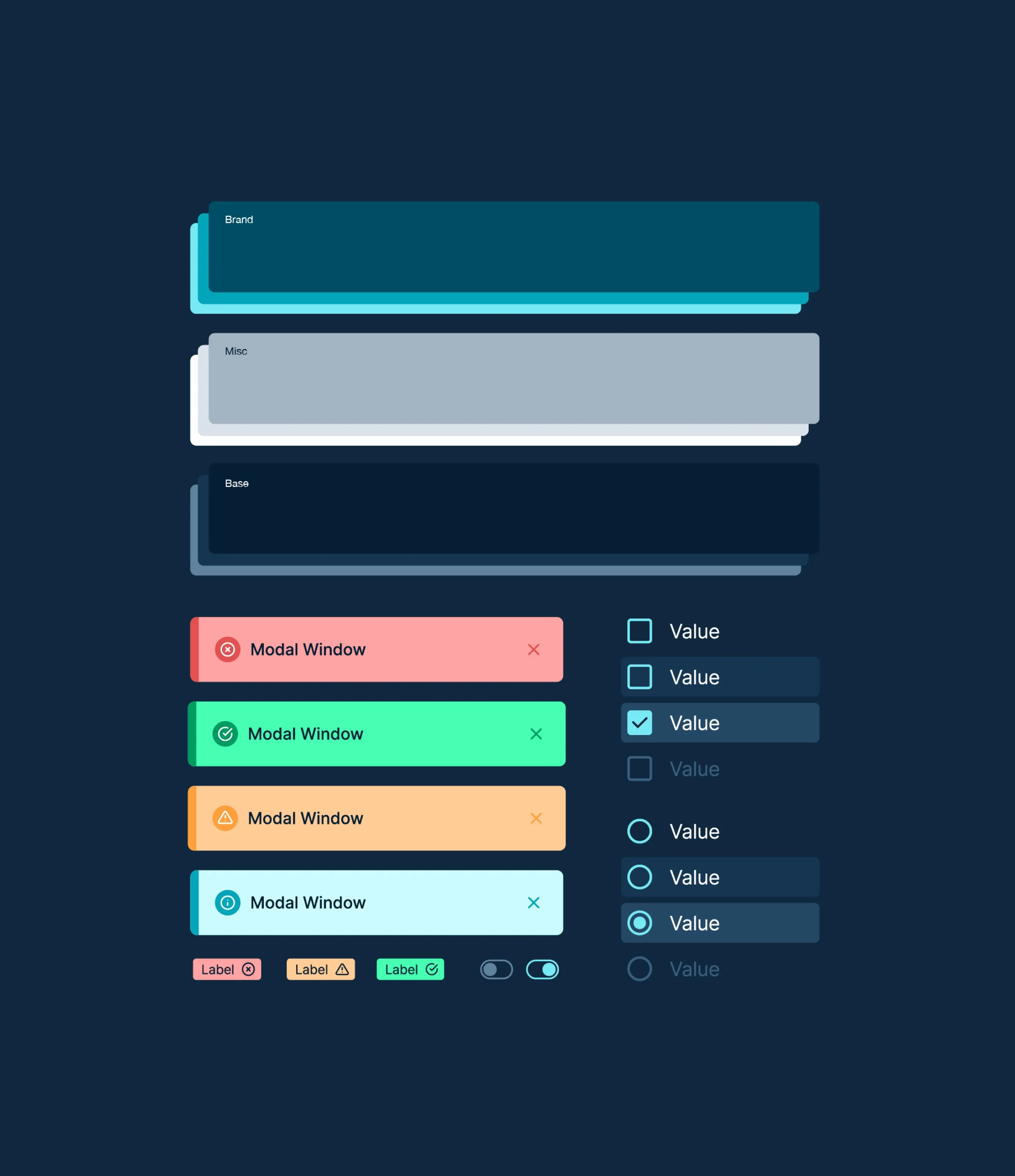
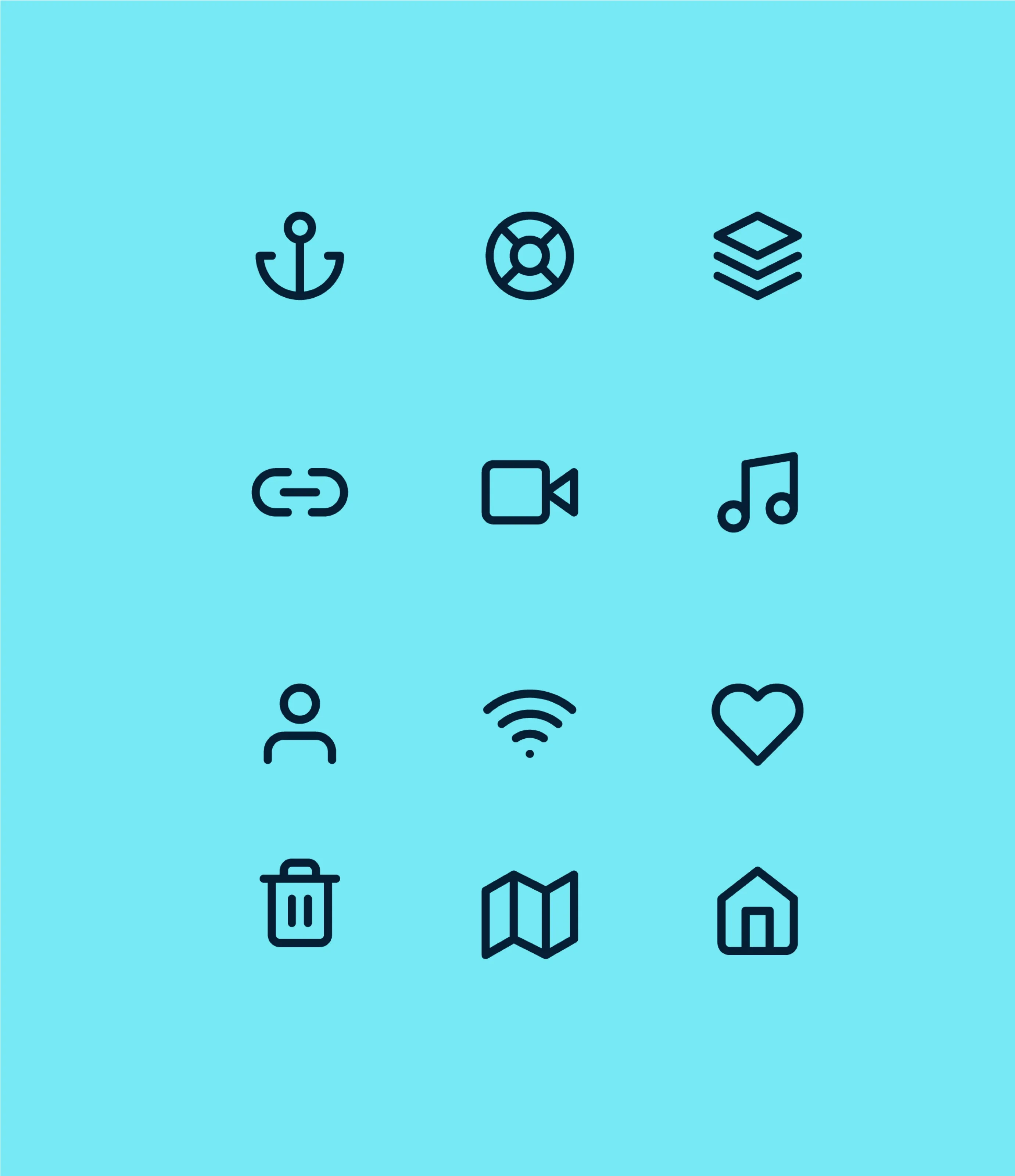
Design system
Both platforms share one design system built on the Mainstay brand: colours, status colours, typography, icons and components with all their states.